How to Use
- Open Pokémon TCG Pocket and go to "My Cards".
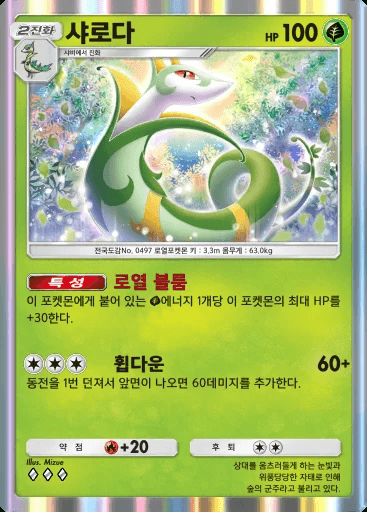
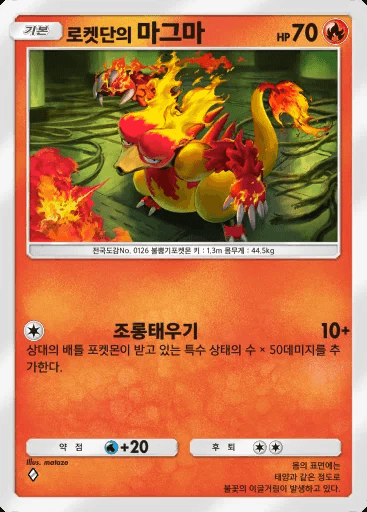
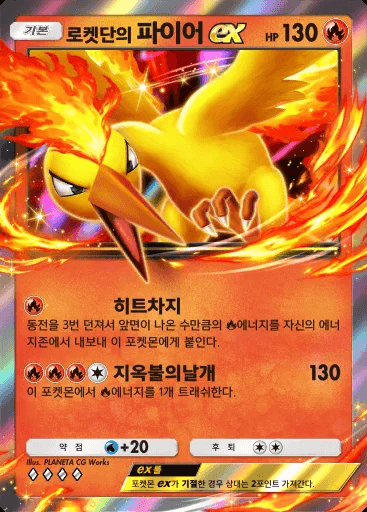
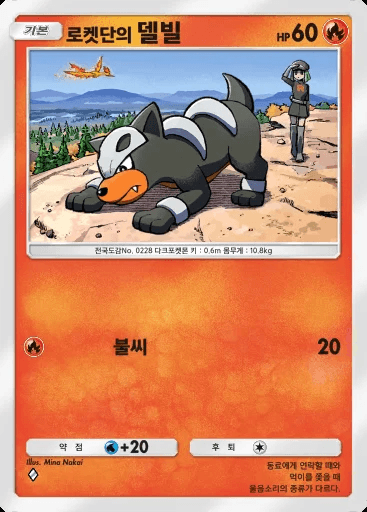
- Sort by collection number and tap each card as many times as you own it (tap only twice if you own 2 or more).
- Tapping a card that has been tapped twice resets it back to its initial state.
- Press "Complete Selection", then copy the code at the top and save it, or download it as a txt file.
- Later, when you get new cards, paste the saved code into the code field and click "Load Code".
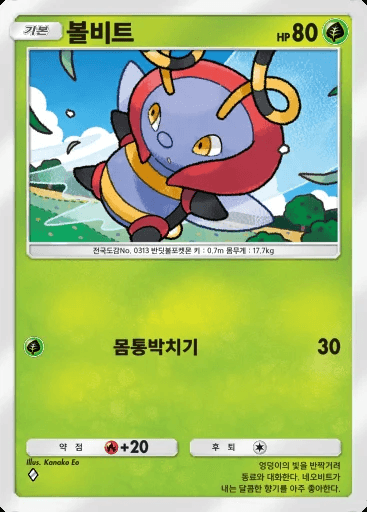
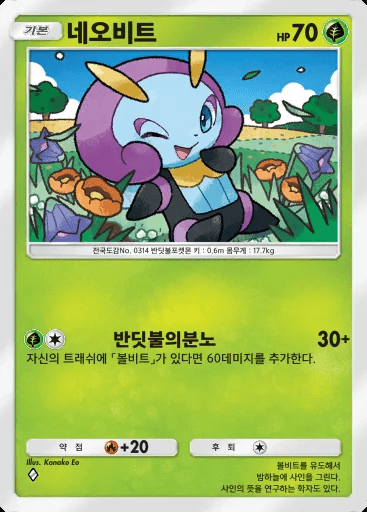
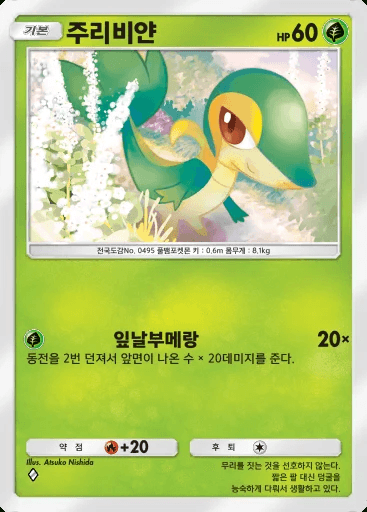
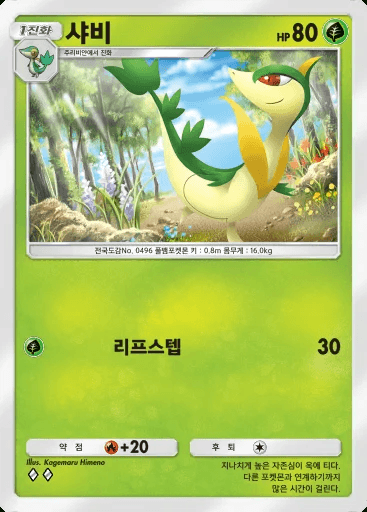
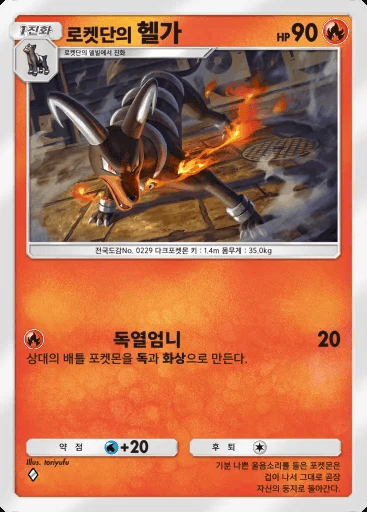
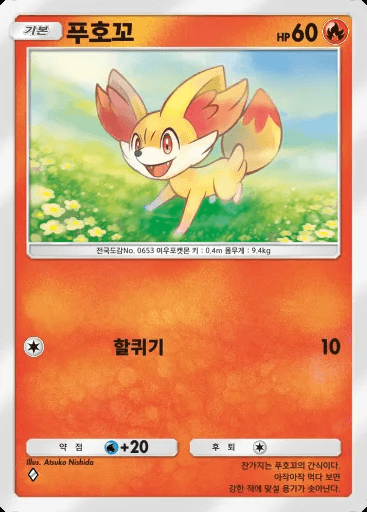
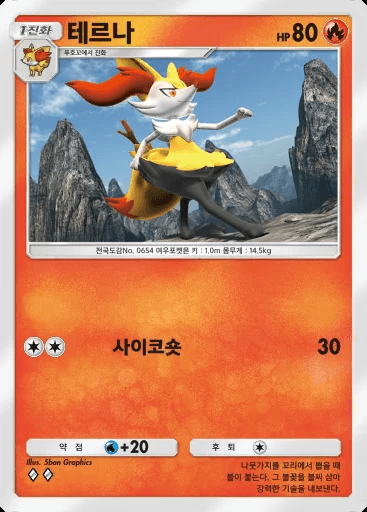
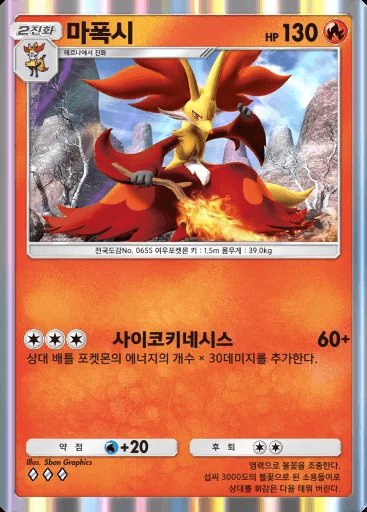
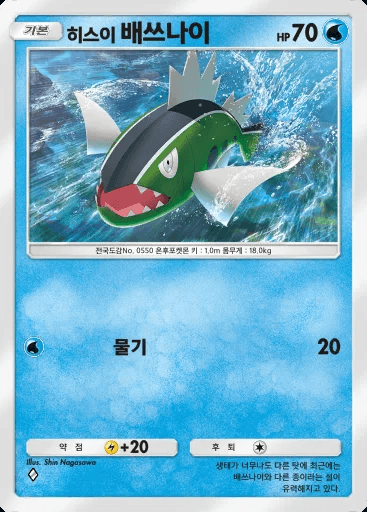
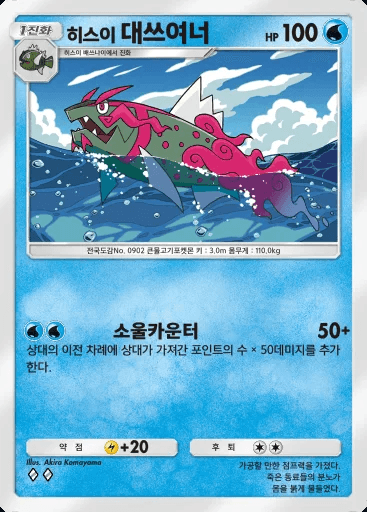
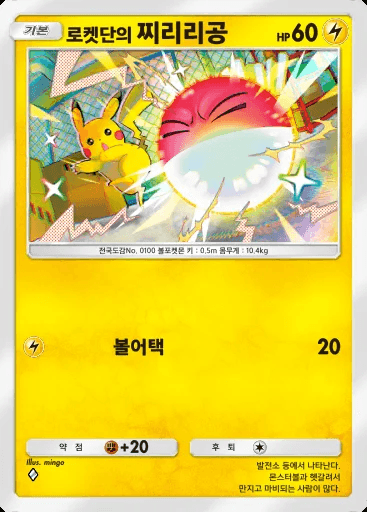
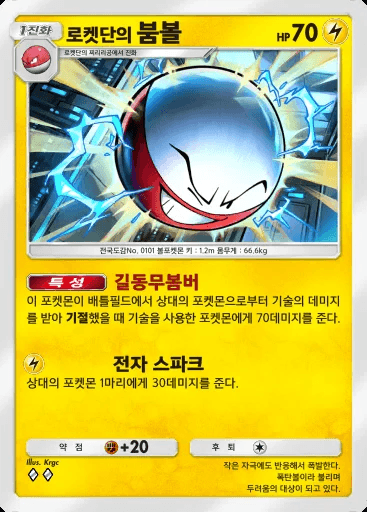
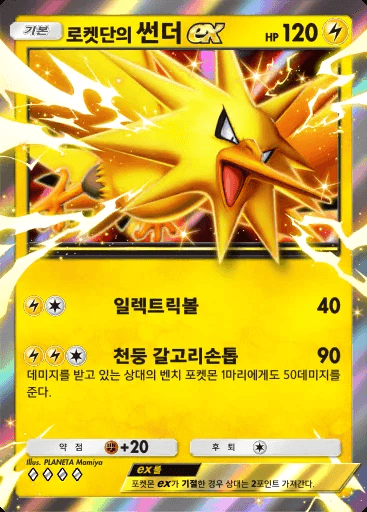
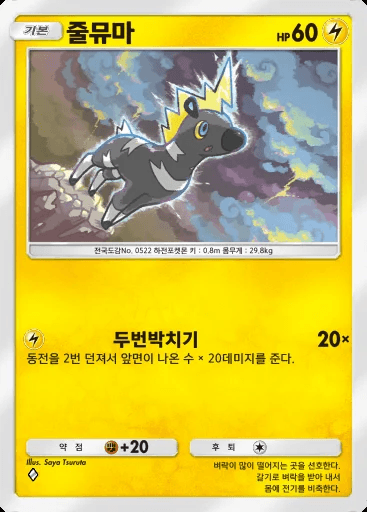
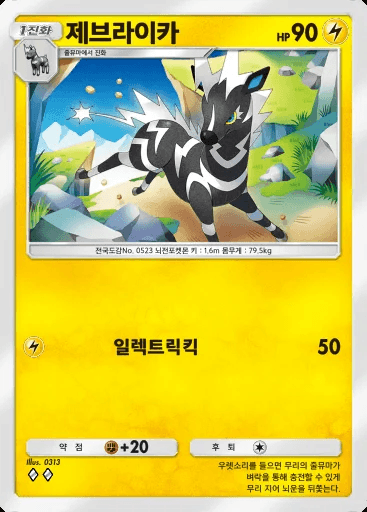
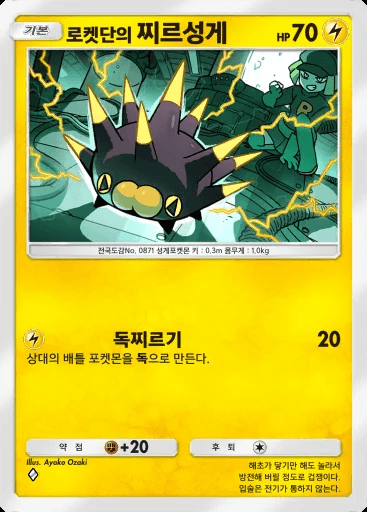
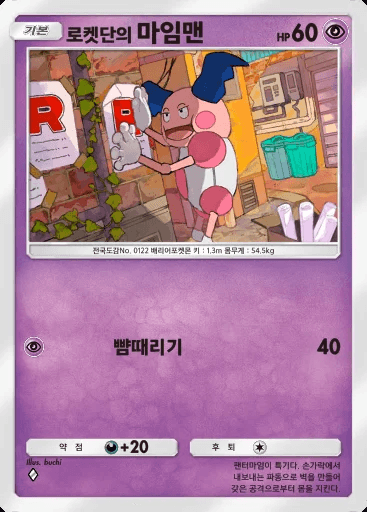
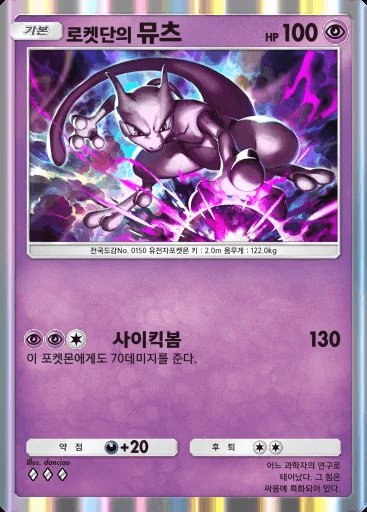
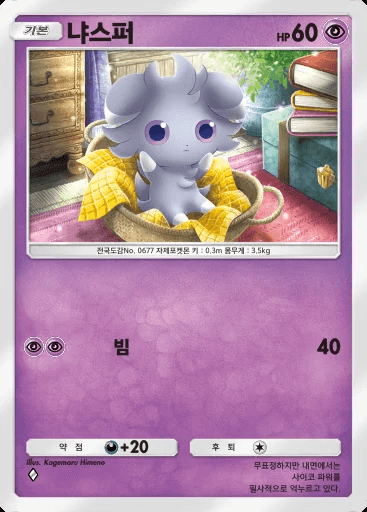
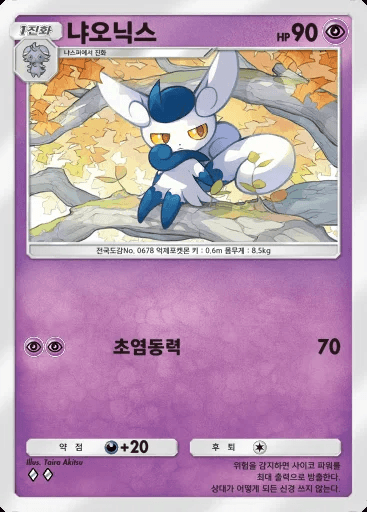
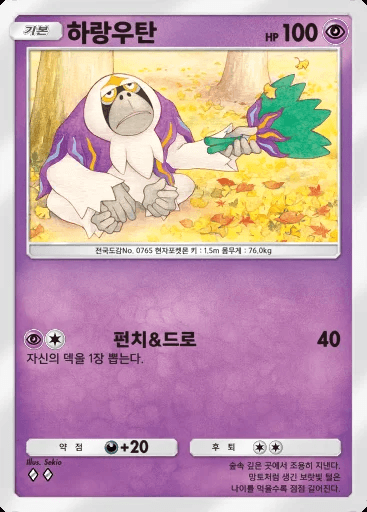
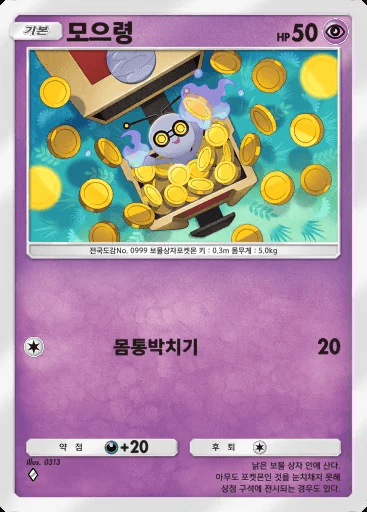
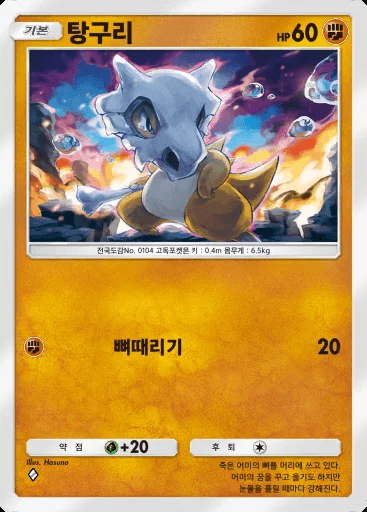
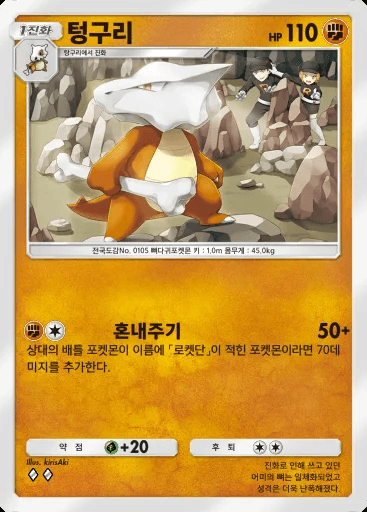
- Tap the newly added cards in the card images below, then repeat steps 4 and 5.
- You can start over anytime with the Reset button at the top right.
TIP:After trying this many times, the fastest way is to go one row at a time in the collection, memorizing counts five cards at a time — you make fewer mistakes too. Once done you can save it, so you only have to do this once!
Page 1 / 4 (110 cards)